

As part of our regulatory checks, we need some additional information from you. We’ll show you which documents we need in the WorldRemit app.
Submit documents
Before you start
Have the documents we’ve asked for ready and make sure they’re clear and complete.
To submit them:
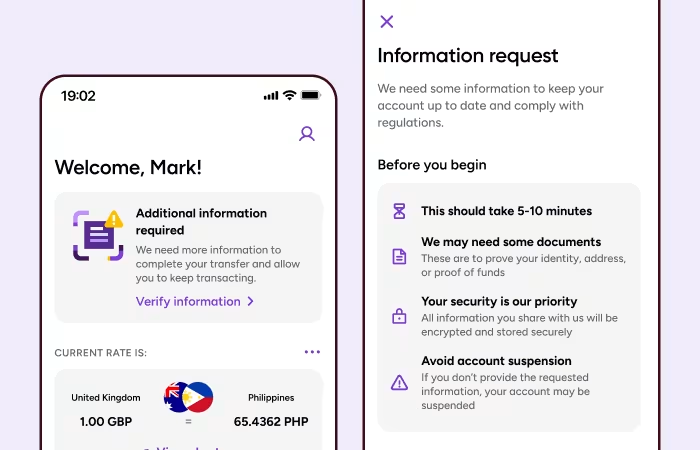
Step 1: See what we need
Tap Submit documents to get started. The app will show you which documents you need to send.
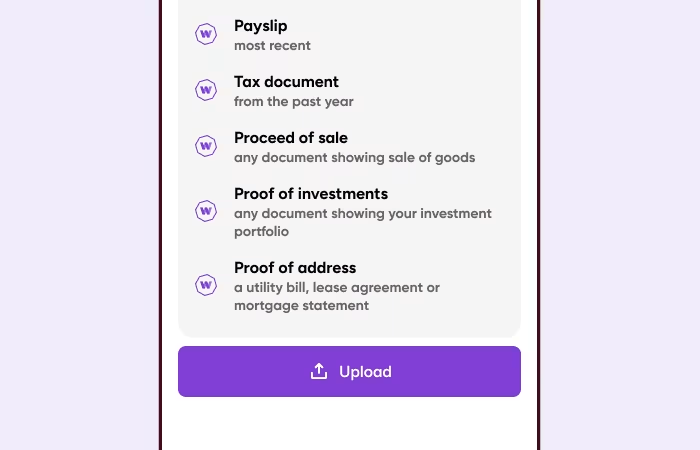
Step 2: Upload your documents
Upload each document we’ve asked for. What you need to provide may vary depending on the information we need to verify.
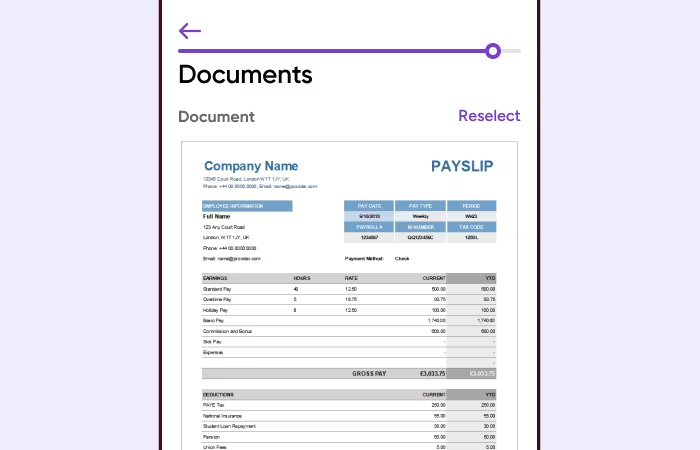
Step 3: Check your documents
Before submitting, make sure each document is:
Complete
Clear and easy to read
Not blurry
Showing your name and the requested details
Your documents should also match the information you gave us. For example, if you told us the money came from your salary, the document should show your salary payment.
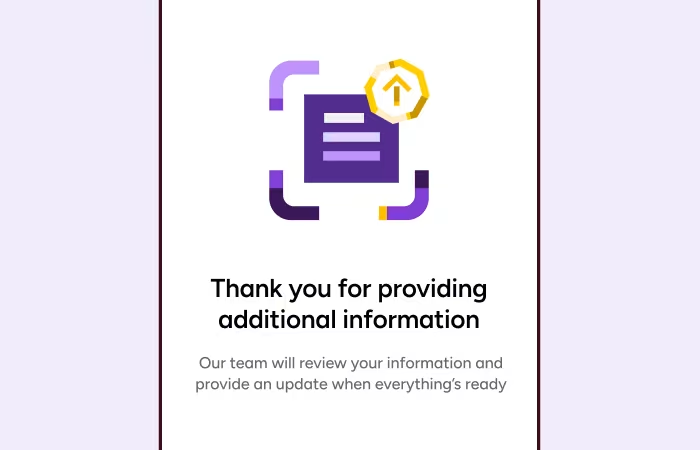
Step 4: Submit for review
Once everything looks right, submit your documents. We’ll review the information and let you know what happens next.
Need help?
If you’re having trouble completing your identity check, check our FAQs for more information.
View FAQs