

To meet regulatory requirements, we need to verify your identity. You’ll need an accepted ID showing your city and country of birth, plus a new selfie.
Verify now
Before you start
Have these ready:
An accepted identity document
Your phone
Good lighting for your ID photo and selfie
Taking a moment to make sure your ID is clear can help avoid delays.
Here’s what to do:
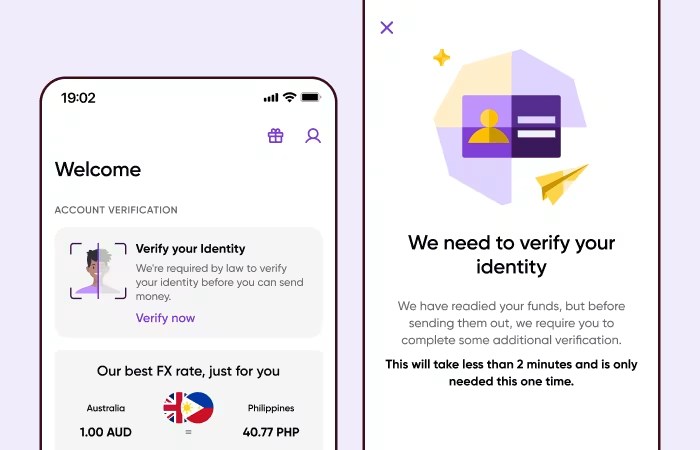
Step 1: Start your identity check
Open WorldRemit and start your identity check.
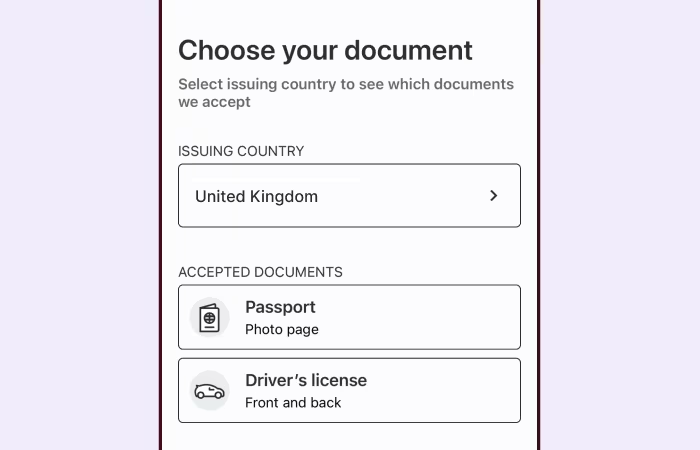
Step 2: Choose your ID
Choose your issuing country and an accepted identity document.
Accepted documents can include:
Passport
Driving licence
Your document must clearly show your city and country of birth.
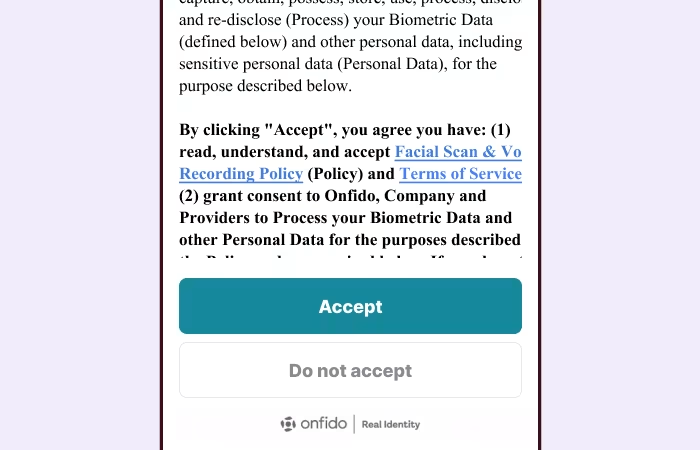
Step 3: Review and accept
Read the information about how your biometric data is used, then tap Accept.
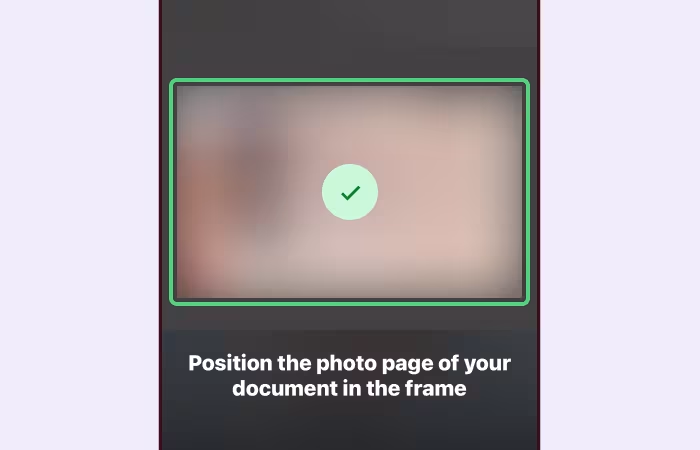
Step 4: Take a clear photo of your ID
Make sure your ID is:
Clear and easy to read
Fully visible
Free from glare
Showing your place of birth
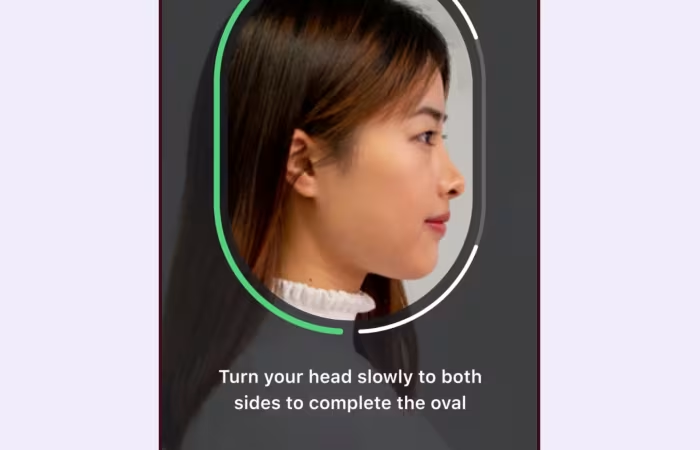
Step 5: Complete the selfie check
Follow the instructions in the app to take a new selfie.
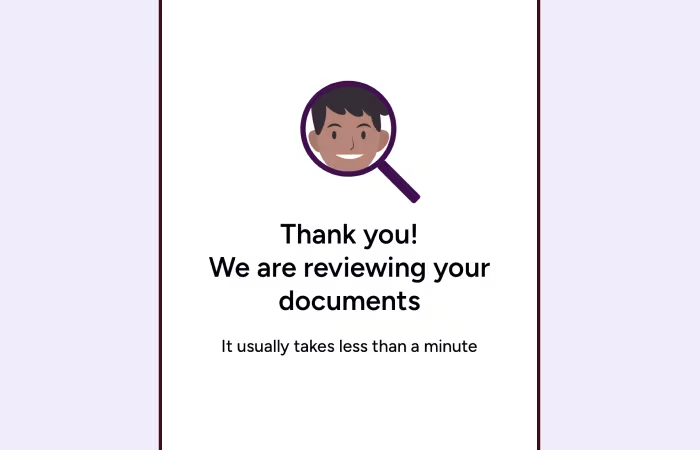
Step 6: We’ll check your details
Once you’ve finished, we’ll verify your identity. If we need anything else, we’ll let you know.
Need help?
If you’re having trouble completing your identity check, check our FAQs for more information.
View FAQs